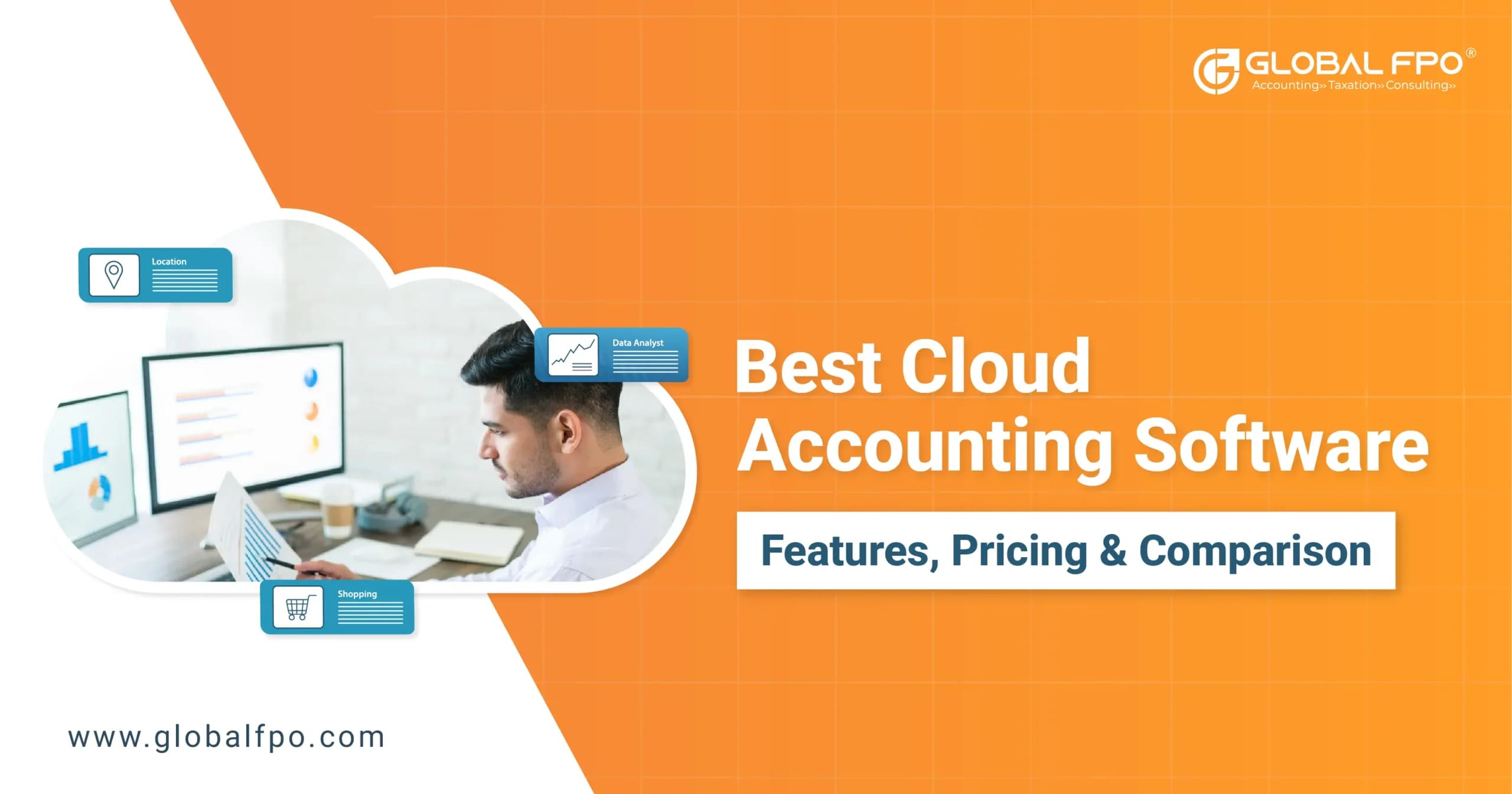
5 Best Cloud Accounting Software: Features, Benefits & Comparison

Home icon-arrow Blog icon-arrow 5 Best Cloud Accounting Software: Features, Benefits & Comparison

If you are evaluating Cloud Accounting Software, you are likely trying to simplify financial management without adding complexity. The right tool gives you real-time visibility, automation, and better control over your numbers.

Most businesses today are shifting to cloud-based accounting software because it replaces manual processes with automated workflows. You get faster reporting, fewer errors, and access to your data anytime.

What this really means is simple. You spend less time managing books and more time making decisions. Let us break down what to look for and which tools actually deliver.

What Is Cloud Accounting Software and Why Are Businesses Switching?

Cloud Accounting Software is hosted online instead of being installed on a desktop. You log in through a browser, and your data is stored securely on remote servers. This shift is not just about convenience. It changes how you manage finances daily.

Here is what you gain with cloud-based accounting software:

  • Access your books from anywhere
  • Automatic updates without manual installs
  • Real-time syncing with bank accounts
  • Secure backups without extra effort

Traditional systems rely on local storage and manual updates. That creates delays and risks. With accounting software cloud based, your data updates in real time.

For growing businesses, this becomes critical. You can track cash flow, monitor expenses, and generate reports instantly. That level of visibility helps you make faster and better decisions.

What Are the Must-Have Features in Cloud Based Accounting Software?

Not all tools deliver the same value. The best cloud based accounting software focuses on automation, accuracy, and usability. Here are the features that actually matter:

Automated Invoicing and Payments

You can create invoices in minutes and automate follow-ups. Many tools also allow online payments, reducing delays.

Real-Time Expense Tracking

Expenses are captured through bank feeds or receipt uploads. This reduces manual entry and improves accuracy.

Bank Reconciliation

Transactions are matched automatically with bank data. This removes hours of manual work every month.

Financial Reporting

You get instant reports like profit and loss, balance sheet, and cash flow. These insights help you understand your financial health quickly.

Multi-User Access

Teams and accountants can work together without sharing files. This improves collaboration and reduces confusion.

Integrations

Most tools connect with payroll, CRM, and payment platforms. This creates a connected financial ecosystem.

The goal is simple. Reduce manual effort and give you clear financial visibility.

Which Are the Best Cloud Accounting Software Options in 2026?

There are many tools available, but only a few consistently stand out. Here are five widely used options, including solutions suitable for different business needs.

1. Zoho Books

Zoho Books is a strong choice for small and growing businesses.

  • Free plan available for eligible businesses
  • Easy invoicing and expense tracking
  • Good automation for recurring tasks

It works well if you want affordability without losing essential features. The interface is simple, and the learning curve is minimal.

2. QuickBooks Online

QuickBooks Online remains one of the most popular cloud accounting software for small business users.

  • Advanced reporting capabilities
  • Strong tax and compliance features
  • Widely used by accountants

It is ideal if you need a comprehensive solution. However, pricing increases as you add features.

3. Xero

Xero is known for flexibility and integrations.

  • Unlimited users across plans
  • Clean and intuitive dashboard
  • Strong app ecosystem

It works well for teams that need collaboration and customization. The platform is especially useful for businesses using multiple tools.

4. FreshBooks

FreshBooks is a user-friendly cloud based accounting software built for service-based businesses and freelancers.

  • Simple invoicing and expense tracking
  • Time tracking and project-based billing
  • Clean interface with easy navigation
  • Strong customer support

It works well if you want simplicity without sacrificing core functionality. The platform is designed to reduce manual effort while keeping your financial data organized and accessible.

5. Sage Intacct

Sage Intacct is built for more complex business needs.

  • Advanced financial management features
  • Multi-entity support
  • Detailed reporting and dashboards

It is best suited for mid-sized companies or businesses with more complex accounting requirements.

Not sure which cloud accounting software is right for your business?

Get Expert Recommendation

How Do Pricing Models Compare Across Cloud Accounting Software?

Most cloud accounting software follows three common pricing models: free or low-cost plans, tiered subscriptions, and custom enterprise pricing.

Here is a simplified comparison:

Software Starting Price Best For
Zoho Books Free plan; paid plans from $15/month Small businesses
QuickBooks Online Starts at $38/month Growing businesses
Xero Starts at $15/month Teams and startups
FreshBooks Starts at $17–$19/month Small to mid-sized businesses
Sage Intacct Custom pricing (~$9,000+/year) Larger businesses

Lower pricing does not always mean better value. You need to consider features, scalability, and ease of use.

For example, a tool that automates invoicing, expense tracking, and reporting can save hours every week. This can justify a higher monthly cost. On the other hand, smaller businesses with simple needs may not benefit from advanced features and can start with lower-cost plans.

Also Read: Sage vs Quickbooks

How to Choose the Right Cloud Accounting Software for Small Businesses?

Choosing the right tool is less about features and more about fit. The best software is not the one with the most features, but the one your team will actually use every day. Here is how you can approach it:

Understand Your Business Needs

Start with your current challenges. Are you struggling with invoicing, reporting, or compliance? Choose software that directly solves these problems instead of offering features you may never use.

Evaluate Ease of Use

If the software is hard to use, your team will not adopt it. Simple, intuitive tools often deliver more value than complex platforms with advanced features.

Check Scalability

Your business will grow, and your accounting needs will become more complex. Make sure the software can handle higher transaction volumes, additional users, and advanced reporting as you scale.

Look at Integrations

Ensure it connects with your existing tools such as payroll, CRM, and banking systems. Good integrations reduce manual work and improve accuracy.

Compare Costs Carefully

Do not focus only on the base price. Consider add-ons, per-user costs, and upgrade requirements as your business grows.

The right cloud accounting software for small businesses should solve your current problems, support your growth, and remain easy for your team to use.

Also Read: QuickBooks vs Wave

What Are the Benefits of Using a Cloud-Based Accounting Software?

The benefits go beyond convenience. They directly impact how your business operates. Here is what you gain when you find the right software for your business:

Better Financial Visibility

You can see your financial position in real time. This helps you make informed decisions quickly.

Reduced Manual Work

Automation handles repetitive tasks like data entry and reconciliation.

Improved Accuracy

Fewer manual entries mean fewer errors.

Faster Decision-Making

With real-time data, you do not have to wait for reports.

Enhanced Collaboration

Your accountant and team can access the same data anytime.

These advantages make accounting software cloud based a practical investment, not just a technical upgrade.

What Challenges Should You Consider Before Switching to Cloud-Based Accounting Software?

Switching to cloud-based accounting software requires planning. While the benefits are clear, you should prepare for a few challenges.

1. Data Migration: Moving data from old systems can take time and effort.

2. Learning Curve: Your team may need time to adjust to a new system.

3. Subscription Costs: Unlike one-time software, cloud tools require ongoing payments.

4. Internet Dependency: You need a stable internet connection to access your data.

These challenges are manageable with the right planning and support.

Which Is the Best Cloud Accounting Software for Your Business?

There is no single tool that works for everyone. The best cloud accounting software depends on your business size, complexity, and how you manage your finances.

For early-stage needs, a simple and affordable option like Zoho Books can handle the basics. As your requirements expand, tools like QuickBooks or Xero offer stronger reporting and deeper integrations.

FreshBooks stands out for its simplicity and ease of use. It helps streamline invoicing, expense tracking, and day-to-day accounting without adding complexity. For more complex structures, Sage Intacct provides the depth and control required.

To avoid trial and error, Global FPO can guide you through selection, setup, and ongoing management. That way, your cloud accounting software for small business works like a system, not just another tool.

Need Help Managing Your Accounting Software?

Let Global FPO handle your bookkeeping, reporting, and software management while you focus on growing your business.

Talk to Our Experts →

FAQs

Que: 1. What is Cloud Accounting Software?

Ans: Cloud accounting software is an online system that helps you manage, track, and access financial data in real time from anywhere.

Que: 2. Is cloud accounting software for small business suitable for startups?

Ans: Yes, it is ideal for startups as it offers affordable plans, automation, and easy financial tracking without complex setup.

Que: 3. How does cloud based accounting software improve efficiency?

Ans: It automates invoicing, expense tracking, and reporting, reducing manual work, saving time, and improving overall accuracy.

Que: 4. Can cloud-based accounting software integrate with other tools?

Ans: Yes, most tools integrate with payroll, CRM, and payment systems to create a connected and streamlined financial workflow.

Que: 5. Is accounting software cloud based secure for financial data?

Ans: Yes, most platforms use encryption, secure servers, and regular backups to protect sensitive financial data.

Que: 6. How long does it take to switch to Cloud Accounting Software?

Ans: Switching typically takes a few days to weeks, depending on your data volume, system complexity, and migration requirements.

Que: 7. Does Global FPO help with choosing the right software?

Ans: Yes, Global FPO helps evaluate your business needs and recommends the most suitable cloud accounting solution.

Que: 8. Can Global FPO manage my cloud based accounting software?

Ans: Yes, Global FPO manages bookkeeping, reporting, reconciliations, and ongoing financial processes for smooth operations.

Que: 9. What is the biggest advantage of cloud accounting software for small businesses?

Ans: The biggest advantage is real-time visibility, allowing you to track finances instantly and make faster, informed business decisions.

Que: 10. Do I need technical knowledge to use cloud-based accounting software?

Ans: No, most tools are user-friendly and designed for non-technical users, with simple dashboards and guided workflows.

Tags:

skype-icon
Skype Call

Lets Connect

instagram-icon
facebook-icon
twitter-icon
linkedin-icon
youtube-icon